
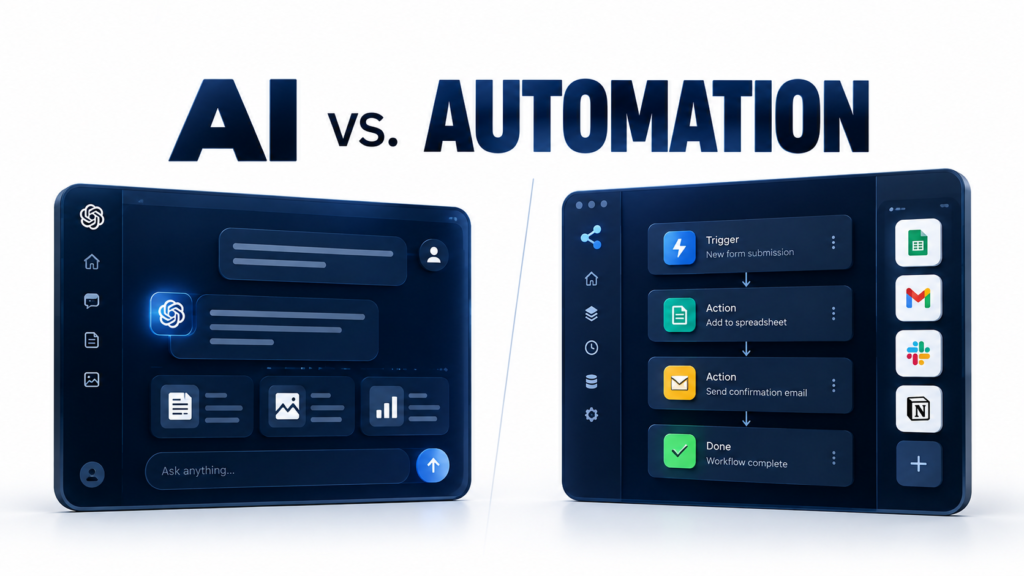
AI and automation are often mentioned together, especially when businesses discuss saving time and improving productivity.
But they are not the same thing.
Automation can send emails, organize files, update spreadsheets, and move information between applications without someone doing each step manually. AI can generate content, interpret information, summarize documents, and handle tasks that involve less predictable inputs.
Sometimes they work together. Other times, one is all you need.
Understanding the difference can help you choose better tools, avoid unnecessary complexity, and save time.
What Is Automation?
Automation is the use of technology to perform tasks with little or no manual intervention.
Traditional automation typically follows predefined rules and instructions. When a particular event happens, the system performs a specific action.
For example:
- Automatically sending a confirmation email after someone fills out a form.
- Moving new customer details into a spreadsheet.
- Sending a reminder before a scheduled meeting.
- Backing up files at a set time.
- Notifying a team when an order arrives.
These workflows don’t necessarily need artificial intelligence. They simply follow instructions.
Imagine an online store that sends an order confirmation whenever a customer makes a purchase. The system doesn’t need to understand the customer’s intentions or write a new business strategy. It just needs to recognize the purchase and send the appropriate message.
Automation is especially useful when a task is repetitive, predictable, and governed by clear rules.
What Is Artificial Intelligence?
Artificial intelligence (AI) refers to technologies that perform tasks associated with capabilities such as understanding language, recognizing patterns, generating content, and interpreting information.
Modern AI tools can help with tasks such as:
- Drafting emails and reports.
- Summarizing long documents.
- Generating ideas and content.
- Extracting information from documents.
- Categorizing customer feedback.
- Answering questions about supplied information.
- Analyzing patterns in data.
Unlike traditional rule-based automation, AI can work with information that doesn’t always follow a fixed format.
For example, imagine receiving 50 customer messages written in different ways. A conventional workflow might sort them using specific keywords. An AI system could classify them by meaning, distinguishing complaints, refund requests, product questions, and positive feedback even when customers use different wording.
However, AI can make mistakes. Its output may need to be checked, especially when accuracy matters.
AI is useful when a task requires interpreting information, generating content, or working with less predictable inputs.
AI vs. Automation: The Key Differences
| Feature | Traditional automation | AI |
|---|---|---|
| How it works | Follows predefined rules | Uses learned patterns and models |
| Best suited for | Repetitive, predictable tasks | Tasks involving interpretation or generation |
| Inputs | Often structured and consistent | Can handle varied text, images, audio, and other inputs, depending on the model |
| Output | Usually follows a defined process | May produce different outputs for similar requests |
| Reliability | Predictable when rules and inputs are correct | Can make mistakes or produce inconsistent results |
| Example | Send a receipt after payment | Draft a personalized response to a customer |
These are general distinctions, not absolute boundaries. AI systems can be highly predictable in some tasks, and automation can handle complex workflows.
The most important point is that automation describes how work gets done, while AI describes a set of capabilities that can be used within that work.
Can AI and Automation Work Together?
Yes. Combining them is often where the biggest productivity benefits appear.
Consider a small business that receives customer enquiries through its website.
A traditional automated workflow might send every enquiry to the same inbox and notify the support team.
An AI-assisted workflow could go further:
- A customer submits a message.
- AI identifies the type of enquiry.
- The workflow directs it to the appropriate team.
- AI drafts a suggested response.
- A staff member reviews the response before sending it.
In this example, AI interprets the message and drafts a response. Automation handles the routing and notifications.
The combination reduces repetitive work without requiring the business to automate every decision.
Other examples include:
Content creation: AI drafts social media captions, while automation schedules approved posts.
Meeting management: AI summarizes a meeting, while automation sends the notes to participants.
Sales: AI categorizes incoming leads, while automation adds them to the appropriate follow-up sequence.
Reporting: AI summarizes performance trends, while automation collects data and prepares the recurring report.
The key is to assign each part of the process to the technology best suited for it.
When Should You Use Automation Instead of AI?
You probably don’t need AI when the task is straightforward and the rules are already clear.
Use traditional automation when you need to:
- Send standard notifications.
- Copy information between applications.
- Schedule recurring tasks.
- Apply consistent rules to structured data.
- Generate routine receipts or confirmations.
- Trigger an action when a specific event occurs.
For example, if you want to send an email whenever a customer completes a purchase, a simple automation is likely enough.
Adding AI could increase the cost and complexity without improving the result.
When Should You Use AI?
AI becomes more useful when the task involves information that requires interpretation or generation.
Consider using AI when you need to:
- Summarize lengthy documents.
- Draft or rewrite content.
- Classify messages by meaning.
- Extract details from varied documents.
- Analyze written customer feedback.
- Generate different versions of a message.
- Turn unstructured information into a useful summary.
For example, if customers send detailed complaints in their own words, AI can help categorize the issues and summarize recurring problems.
You may still need a person to verify the results, but the initial analysis can become much faster.
What About AI Agents?
AI agents take this idea a step further.
Depending on how they are designed, agents can work toward a goal, select tools, perform multiple steps, and adapt their actions based on the information they receive.
A conventional workflow might follow a fixed sequence every time. An AI agent may be able to choose different steps depending on the situation.
For example, an agent might research a topic, gather information from approved sources, summarize the findings, and prepare a draft report.
However, agents can introduce additional risks because they may take actions across multiple systems. Their permissions, actions, and outputs should be controlled appropriately.
For many everyday tasks, a simple workflow is still the better choice.
How to Choose the Right Approach
Before choosing an AI tool or automation platform, ask yourself three questions.
1. Is the task repetitive and predictable?
If the answer is yes, start with traditional automation.
2. Does the task require interpreting information or generating something new?
AI may be useful, particularly when inputs vary or the task involves language, images, or other unstructured information.
3. Does the task require both?
Consider combining AI with automation, but only where each adds clear value.
Start with the problem rather than the technology. Identify the task that consumes too much time, understand how it currently works, and then choose the simplest solution that reliably improves it.
Final Thoughts
AI and automation are not competing technologies. They solve different parts of the productivity problem, and they can work together.
Automation is excellent at carrying out repeatable instructions. AI can help interpret information, generate content, and handle tasks that are less predictable.
The smartest approach isn’t to use AI for everything or automate every process.
It’s to understand what the task requires and choose the right tool.
If a simple automation solves the problem, start there. If the task needs AI, use it where it adds value. Combine them when doing so genuinely improves the workflow.
You don’t need the most complicated system. You need one that works.
Frequently Asked Questions
Is AI the same as automation?
No. AI provides capabilities such as generating content and interpreting information, while automation uses technology to execute tasks with limited manual intervention. AI can be included in an automated workflow.
Can automation work without AI?
Yes. Traditional automation can follow predefined rules to perform tasks such as sending notifications, transferring data, and scheduling recurring actions.
Is AI automation worth it for small businesses?
It can be, especially when a business has repetitive tasks involving customer messages, documents, reporting, or content. Start with a specific problem and measure whether the solution saves time or improves results.
Which is better: AI or automation?
Neither is universally better. Traditional automation is often the right choice for predictable tasks, while AI can help with interpretation and content generation. Some workflows benefit from both.
Do I need coding skills to use AI automation?
Not necessarily. Many no-code and low-code tools let users connect applications, build workflows, and incorporate AI features without writing code. More complex integrations may require technical skills.